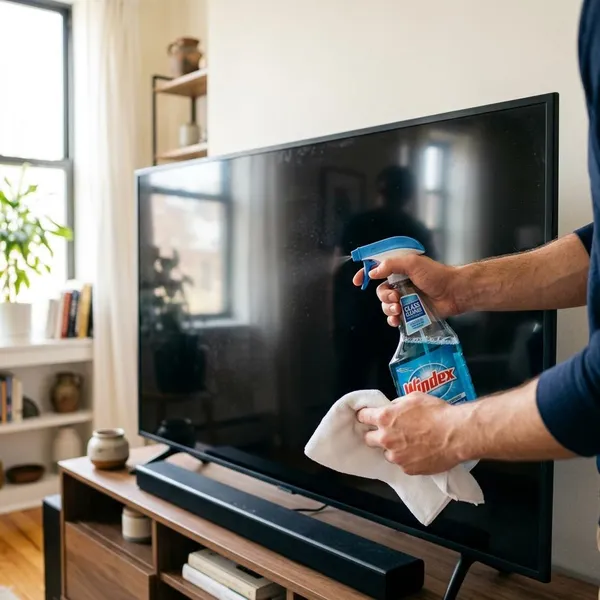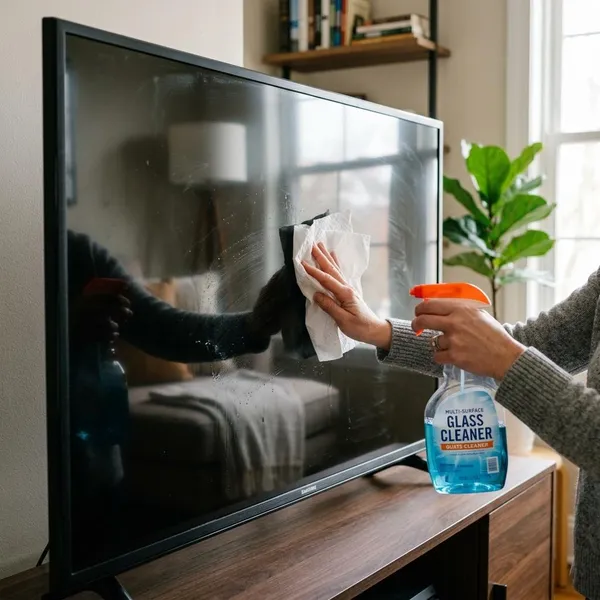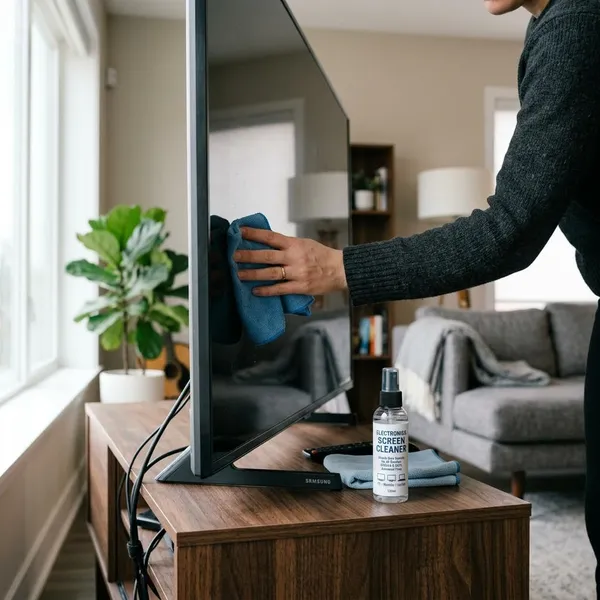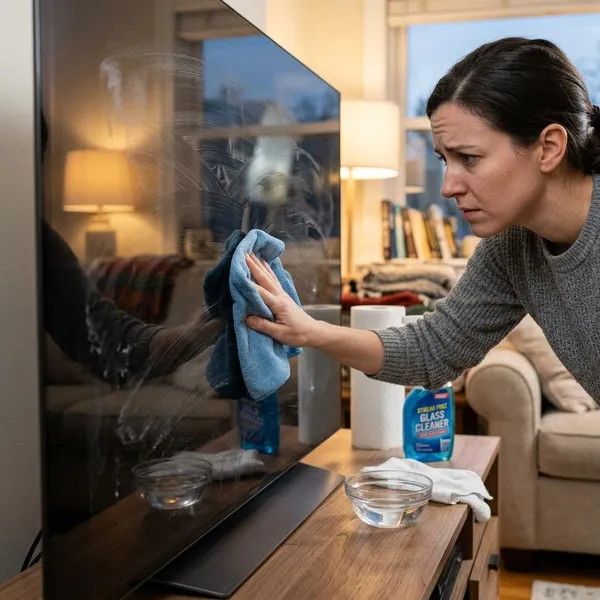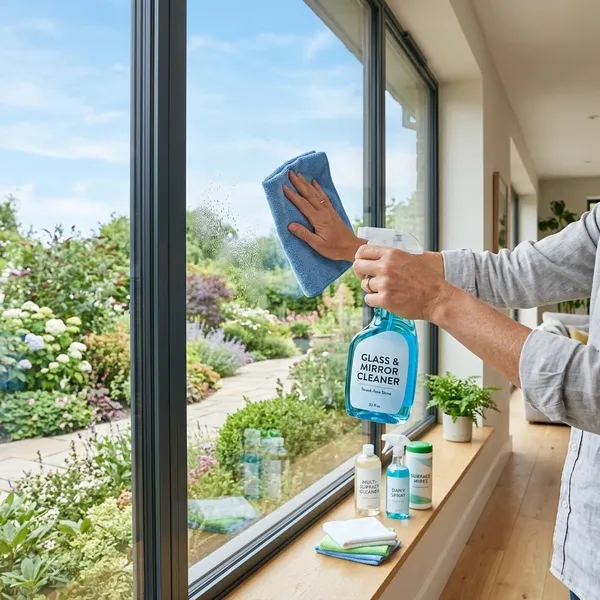
If you've ever stood in front of a smudged TV screen and thought about grabbing a bottle of glass cleaner, you're not alone—it feels like the obvious solution. After all, the surface looks like glass, and that same cleaner works perfectly on windows and mirrors. But modern TVs are a different story. Behind that smooth finish are delicate layers and special coatings designed to cut glare, sharpen the picture, and protect the screen itself. Using the wrong cleaner can quietly strip those coatings over time, leaving behind dull spots or streaks that won't go away. In most cases, a gentler approach works far better and keeps the screen looking clear without risking long-term damage.

Whether glass cleaner is safe for a TV
When people ask can you use glass cleaner on a TV, they are usually hoping for a quick yes. But for most flat-screen TVs, the answer is no. A TV screen may look sturdy, but the outer surface is often much more delicate than a window or a bathroom mirror.
Modern televisions are made with sensitive display materials and thin screen coatings. Those coatings are part of what makes the picture look clear and comfortable to watch. They are not designed for strong household sprays. That is why many manufacturers recommend using only a soft microfiber cloth, with little or no moisture.
Most TV screens should not be cleaned with glass cleaner
Most TV screens should not be cleaned with regular glass cleaner. That includes many common flat-screen models found in family rooms, bedrooms, and playrooms. Glass cleaners are made for hard, durable surfaces, not for screens with delicate finishes.
This matters in real life because TV screens collect the same everyday messes other household surfaces do. Kids leave fingerprints. Pets press their noses against the screen. Dust builds up over time. Even so, that does not mean the screen needs a strong cleaner. In many cases, a dry microfiber cloth removes the problem just fine.
Another issue is how glass cleaner behaves on a display. It often spreads the oils from fingerprints instead of lifting them cleanly. Once that happens, you can end up with streaks that look worse when the TV is off or when sunlight hits the room. What looked like a simple shortcut can make the screen harder to clean.
Harsh ingredients can damage screen coatings
The biggest concern is not just the liquid. It is what is inside the liquid. Many glass cleaners contain ingredients that work well on windows but are too harsh for a TV. Screen coatings are thin, and once they begin to wear down, they usually cannot be restored at home.
These coatings serve a real purpose. They can reduce reflections from lamps and windows, improve contrast, and make the picture easier to watch during the day. If a cleaner starts to break down that layer, you may notice cloudy spots, uneven shine, or dull patches that stand out under bright light.
In many homes, this damage happens slowly. One quick wipe may not cause obvious trouble. But repeated use over weeks or months can gradually change how the screen looks. That is why a cleaner that seems fine at first may still be doing harm over time.

Why glass cleaner can be a problem
If you are still asking can you use glass cleaner on a TV, it helps to look at why these products cause trouble in the first place. Glass cleaner is designed to cut through grease, dry fast, and leave a hard surface looking shiny. That sounds helpful, but those same qualities can be risky on a display.
A modern TV is not just a sheet of glass. It is a layered electronic surface with delicate materials on the outside and sensitive parts underneath. The wrong cleaner can affect the finish, leave residue behind, or introduce too much moisture around the edges. All of that can turn routine cleaning into an avoidable problem.
Ammonia and alcohol can be too harsh
Many glass cleaners rely on ammonia, alcohol, or similar solvents. These ingredients are great for windows because they break down oils quickly and evaporate fast. On a TV screen, though, they can be too aggressive. They may strip away protective coatings or react poorly with the screen's outer surface.
This can show up in very practical ways. Maybe the TV still works normally, but dark scenes start to look patchy. Or maybe a section of the screen reflects light differently than the rest. Those changes are easy to miss at first, especially if the cleaner was only used once or twice.
The problem is repeated use. If you clean the screen every week with a harsh product, the damage can build gradually. By the time the finish looks obviously cloudy or uneven, the coating may already be worn down. That is why stronger is not better when it comes to TV cleaning.
Screen coatings can wear down over time
Modern TVs often include anti-glare or anti-reflective coatings. These are especially useful in bright rooms, where sunlight or overhead lights would otherwise make the picture harder to see. They are one reason newer TVs often look better during daytime viewing than older models did.
The downside is that these coatings are delicate. They are not meant to handle repeated exposure to household cleaners. If a harsh spray is used over and over, the finish can wear down little by little. That kind of damage often starts subtly and becomes more noticeable over time.
For example, you might first notice a faint haze in the center of the screen. Later, one corner may seem shinier than the rest. During movie night, reflections may suddenly feel stronger in a certain spot. Those changes can all point to coating wear, even if the screen still turns on and plays normally.
Streaks and marks can become harder to remove
Another common problem is that glass cleaner can leave behind its own mess. Instead of removing smudges cleanly, it often spreads oils and dries into streaks. Those streaks are especially easy to see on black screens, glossy panels, and TVs placed near windows.
Say your child touches the screen with sticky fingers. You spray cleaner, wipe it once, and now the fingerprint has turned into a larger smeared area. Then you wipe again, and now the entire section looks cloudy. That is a very common cleaning spiral, and it often starts with too much product.
Once streaking appears, people tend to scrub harder. That adds more friction, especially if dust is still on the surface. Over time, repeated rubbing can make marks harder to remove and increase the chance of fine scratches. A gentle method from the start usually gives better results.

What to use instead of glass cleaner
If the answer to can you use glass cleaner on a TV is usually no, the next question is simple: what should you use instead? The good news is that most TV screens do not need a special spray. In fact, the safest option is often the simplest one.
For most homes, a soft microfiber cloth handles routine cleaning just fine. If there is a stubborn smudge, a small amount of water on the cloth is usually enough. The goal is to remove dust and fingerprints without soaking the panel, stripping the finish, or leaving residue behind.
A dry microfiber cloth is often enough
A dry microfiber cloth is usually the safest place to start. It is soft, lint-free, and designed to lift dust without scratching delicate surfaces. That makes it a much better choice than paper towels, tissues, or old rags from the cleaning closet.
This works well for everyday dust and light fingerprints. For example, if the TV has been sitting for a few weeks and just looks slightly dull, a dry microfiber cloth can often restore a clean look in a minute or two. There is no need to add moisture unless something sticky is actually stuck to the surface.
It is best to use a cloth that is clean and dedicated to screen care. A microfiber cloth used earlier on countertops, eyeglasses, or mirrors may carry oils, grit, or leftover cleaner. A fresh cloth helps prevent streaks and reduces the chance of dragging tiny particles across the screen.
Slightly dampening the cloth works for smudges
For heavier fingerprints or greasy smudges, a slightly damp microfiber cloth usually works better than a dry one. The key is to use very little water. The cloth should feel barely damp, not wet. If it leaves obvious moisture behind, it is too wet.
Distilled water is often the best choice because it is less likely to leave mineral spots than tap water. In real life, this method works well for common household messes, like a pet nose print near the bottom of the screen or fingerprints from someone pointing at the weather forecast.
Always dampen the cloth, not the TV. That gives you much better control and lowers the risk of moisture running into the edges. After wiping the smudge, go over the area again with a dry section of the cloth. That helps lift any remaining moisture before it turns into a streak.
How to clean a TV screen the right way
Once you know the answer to can you use glass cleaner on a TV, it becomes much easier to clean the screen the right way. Good results are not about using a stronger cleaner. They come from using a safe cloth, a light touch, and a simple routine.
For most families, TV cleaning should be quick and gentle. You are not trying to scrub the screen spotless like a stovetop. You are just removing dust, fingerprints, and everyday smudges without damaging the display. A few basic habits go a long way.
Turn off and unplug the TV first
Start by turning off and unplugging the TV. This makes the screen easier to clean because dust, fingerprints, and streaks are easier to see on a dark surface. It also helps you avoid cleaning more than necessary.
Unplugging the TV is a smart safety step, especially if you are using a slightly damp cloth. Even small amounts of moisture and electronics do not mix well. Keeping the TV off and disconnected lowers the risk of accidental problems and gives you more peace of mind while cleaning.
A powered-down screen is usually cooler, too. That matters because moisture can evaporate too quickly on a warm surface and leave marks behind. If the TV has been running for a while, let it cool for a minute before you start. That small step can help reduce streaking.
Wipe gently without pressing hard
Use a very light touch. This is one of the most important parts of cleaning a TV screen. If a mark does not come off right away, pressing harder is not the answer. Too much pressure can damage the panel, distort pixels, or leave pressure marks that are visible when the TV is on.
Instead, wipe gently in broad, even motions. If needed, make a second pass with a slightly damp section of the cloth. This takes a little more patience, but it is much safer than scrubbing one spot aggressively. TV screens are delicate, especially large modern panels.
This is easy to forget on bigger screens. A 65-inch TV can feel sturdy because of its size, but the panel itself can still flex under pressure. A gentle hand protects both the outer surface and the internal display layers. Slow and light is the right approach.
Clean the cloth side instead of spraying the screen
Never spray cleaner or water directly onto the screen. Even if you are only using water, spraying the TV can let liquid run toward the edges or seams. That increases the risk of moisture getting into places it should not go.
A better method is to fold the cloth and lightly dampen one corner. That way, you can control exactly how much moisture touches the screen. It also helps you clean only the areas that need attention rather than wiping the whole display unnecessarily.
This matters more than many people realize. A direct spray can drip behind the bezel or pool near the bottom edge. That may not cause instant damage, but it adds unnecessary risk. Cleaning the cloth side first is safer, neater, and easier to manage.
What not to use on a TV screen
A big part of answering can you use glass cleaner on a TV is understanding what else should stay off the screen too. Many common household cleaning tools seem harmless, but they can scratch the surface, leave lint, or weaken the finish over time.
If something is made for windows, counters, or bathroom surfaces, it usually is not the right fit for a TV. The safest screen-cleaning routine is simple and low-moisture. Once you start adding rough materials or harsh chemicals, the risk goes up fast.
Paper towels can scratch the surface
Paper towels are one of the most common mistakes. They feel soft in your hands, but they are rougher than microfiber and can leave fine scratches on delicate screens. This is even more likely if there is dust on the TV when you start wiping.
Those scratches may be tiny, but they can become visible in daylight or when the screen is turned off. On glossy TVs, they may show up as dull swirls or faint scuff marks. Once that happens, there is usually no easy way to fix it at home.
Paper towels also leave lint behind. That often leads to more wiping, which creates more friction and more chances for streaking or scratches. A proper microfiber cloth does a better job with less effort and much less risk.
Strong cleaners can harm the finish
Strong cleaners are another bad idea. That includes window sprays, kitchen degreasers, bathroom products, and multi-surface cleaners with active chemicals. These formulas are made for hard household materials, not for coated display panels.
A cleaner may promise to cut through grease fast, but that is exactly what makes it risky. The ingredients that dissolve grime on a countertop can also wear down the anti-glare layer on a TV. If that happens, the damage may show up as cloudy spots, dull patches, or uneven shine.
Even some products labeled as gentle are not truly screen-safe. Fragrances, alcohol, and other additives can all leave residue or affect the finish. Unless your TV manufacturer specifically approves a product, it is usually smarter to keep it away from the screen.
Too much moisture can cause extra damage
Too much moisture is a problem even if you are using plain water. A barely damp cloth is fine for many screens, but a wet cloth, soaked wipe, or direct spray creates unnecessary risk. Liquid can move toward the frame, seep around the edges, or collect near the bottom.
That can affect more than the surface. Over time, excess moisture may leave residue, weaken adhesives, or interfere with internal components. You may not notice a problem right away, but the risk goes up when screens are cleaned too aggressively or too often with too much liquid.
Pre-moistened wipes can also be tricky. Some are fine for certain screens, but others are too wet or contain ingredients that are not ideal for TV coatings. If you use a wipe, make sure it is made for screens and still use a light hand.

What to do if you already used glass cleaner
If you already used glass cleaner and are now wondering can you use glass cleaner on a TV, do not panic. One quick wipe does not always cause visible damage. In many cases, the screen will be fine, especially if you stop right away and clean off any leftover residue gently.
What happens next depends on the cleaner, the screen type, and how often it was used. The safest move is to stop using the product, switch to a microfiber cloth, and check the screen carefully. The sooner you change your cleaning method, the better.
Stop using the product right away
The first step is simple. Stop using the glass cleaner right away. If it contains ammonia, alcohol, or other harsh ingredients, repeated use is what raises the risk the most. One mistake is very different from making it part of your regular cleaning routine.
If the screen still looks normal, that is good news, but it does not mean the cleaner is safe long term. Some coating damage builds slowly and becomes noticeable only after several cleanings. Stopping now gives the screen the best chance of avoiding further wear.
If possible, check the TV maker's care instructions. Many brands explain exactly what kind of cloth to use and what products to avoid. That can help you move forward with more confidence and avoid repeating the same mistake.
Wipe the screen gently with a clean microfiber cloth
Next, remove any leftover cleaner as gently as you can. Start with a clean, dry microfiber cloth. If the screen still looks smeared, lightly dampen a second microfiber cloth with distilled water and wipe the area with a soft touch.
Do not scrub or polish the screen aggressively. The goal is simply to lift away residue. Use slow, even passes and switch to a dry part of the cloth to pick up any remaining moisture. In many cases, this is enough to improve mild haze or streaking caused by leftover cleaner.
If the screen looks better after that, the problem was probably residue rather than real surface damage. If the haze stays in the same spot no matter how gently you wipe, the coating may have been affected. At that point, more cleaning usually will not help.
Watch for streaking haze or coating damage
After cleaning off the residue, take a closer look at the screen. Check it while the TV is off, then again while it is on. Look from different angles and under natural light if possible. Some types of coating damage only show when light hits the surface a certain way.
Watch for signs like these:
- Cloudy patches that do not wipe away, even with a clean microfiber cloth
- Rainbow-like areas or odd discoloration across one section of the screen
- Dull spots that reflect light differently than the rest of the panel
- Uneven glare that becomes obvious during daytime viewing
- Streaks that keep returning after careful cleaning
If you only see temporary streaking, the screen may still be fine. If the finish now looks uneven, the coating may be partially worn. In that case, avoid trying random products. Gentle care is the best next step.
Conclusion
For most modern screens, using glass cleaner on a TV is not a viable option. While it may seem like a convenient solution, it leaves behind streaks, damages delicate coatings, and creates problems that are difficult—if not impossible—to reverse. The better alternative is simple: use a clean microfiber cloth, minimize moisture, and wipe gently. This method is safer for the screen, suitable for routine cleaning, and more effective at keeping your TV display crystal clear over the long term.